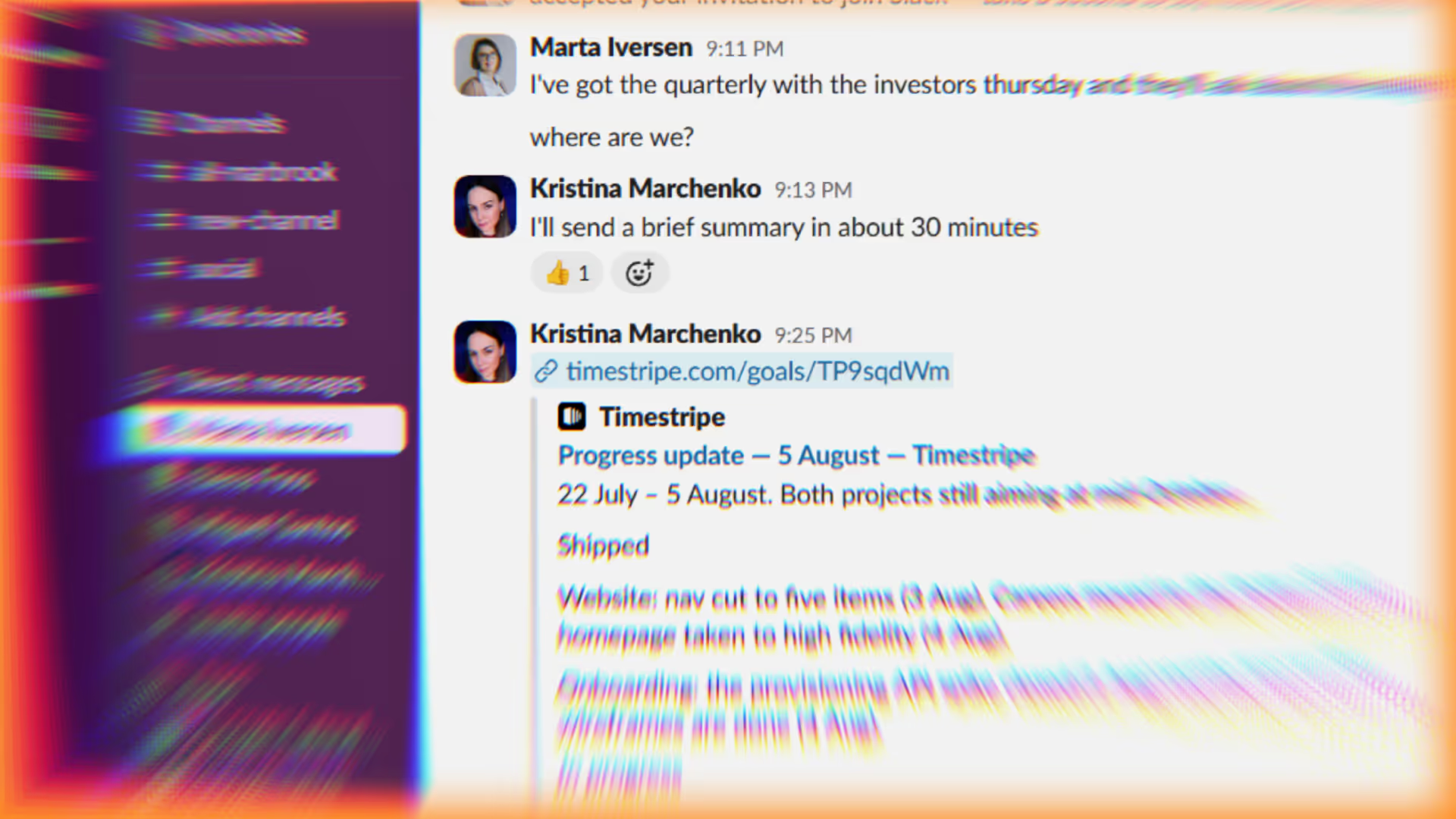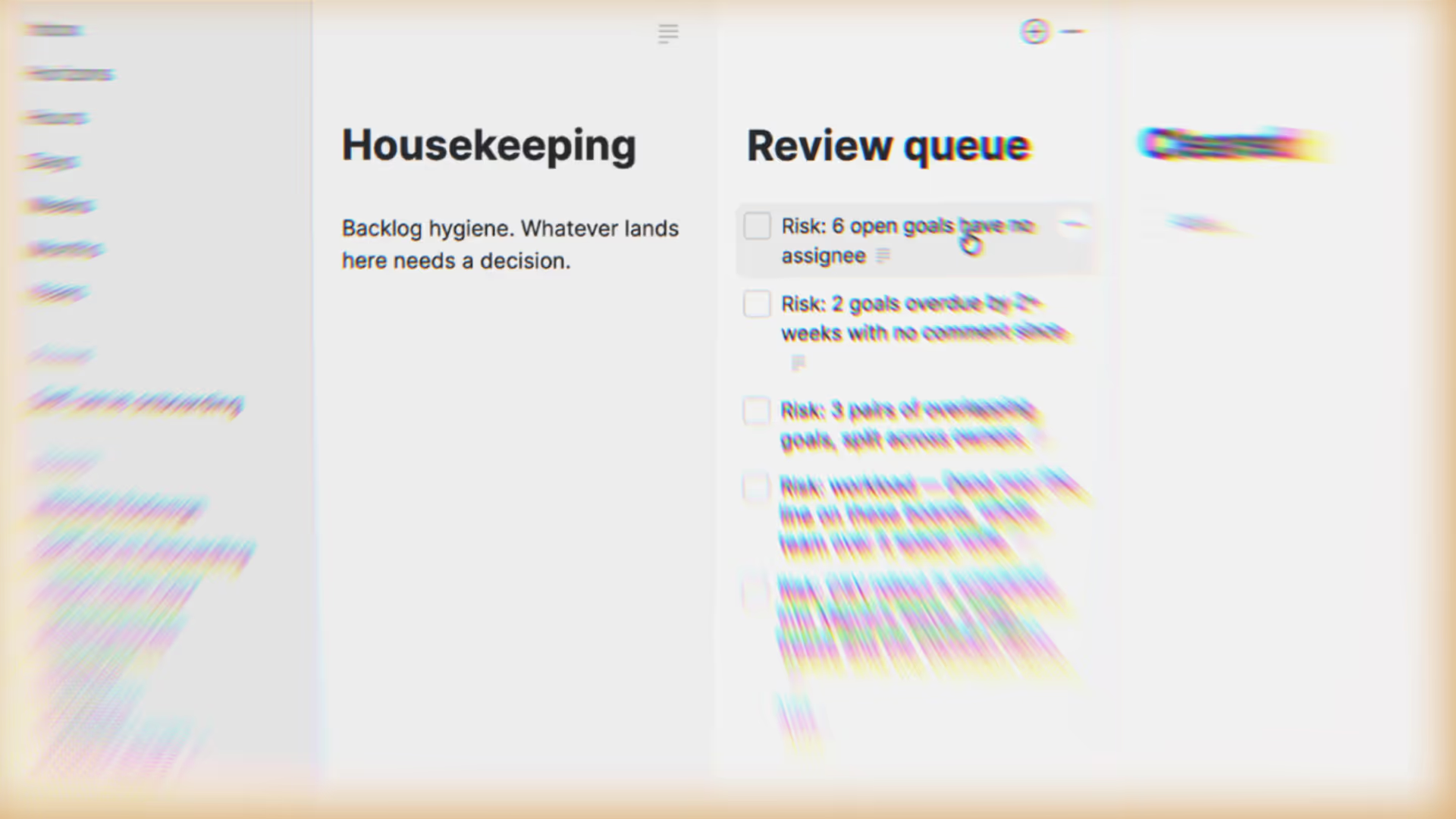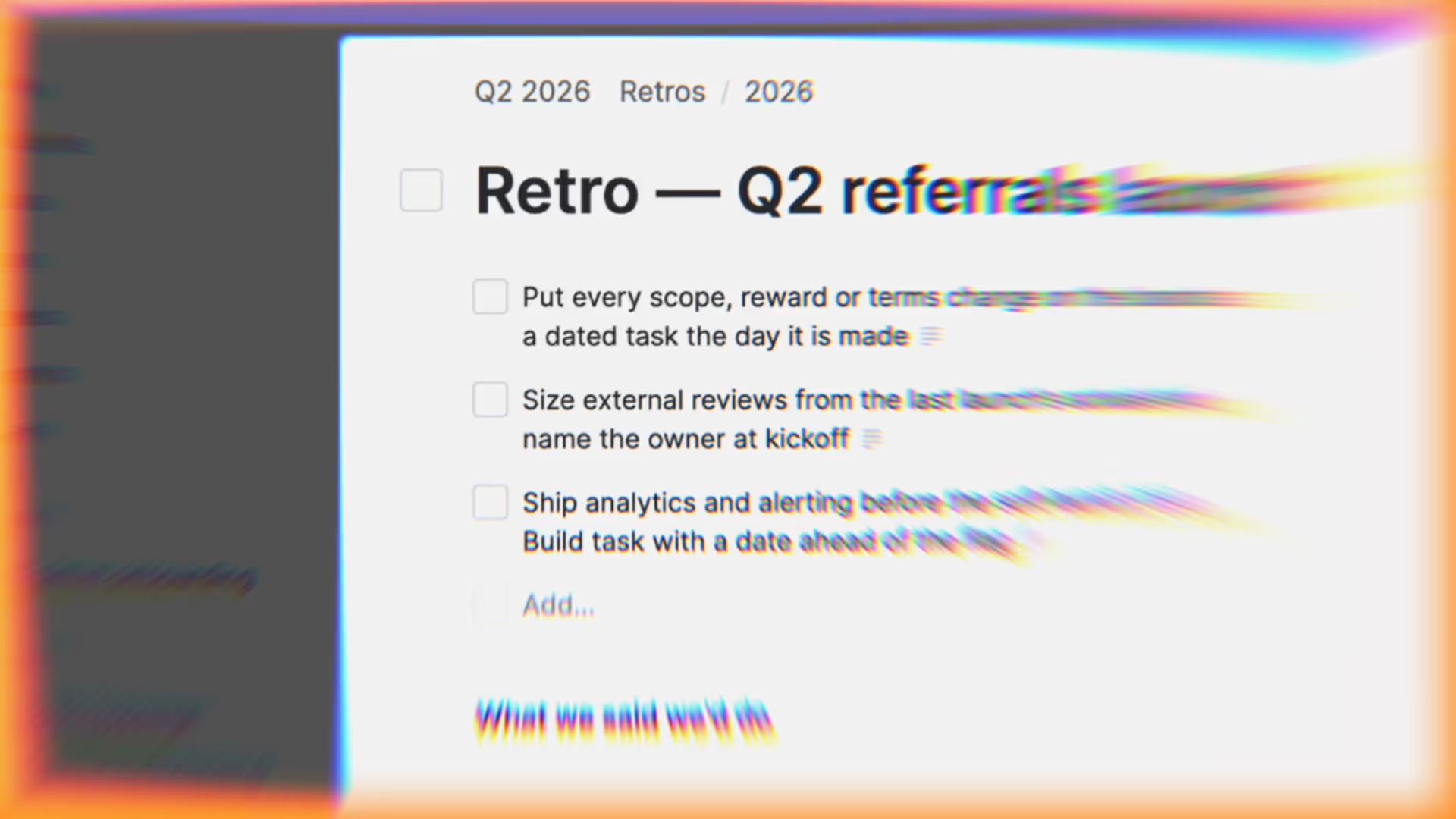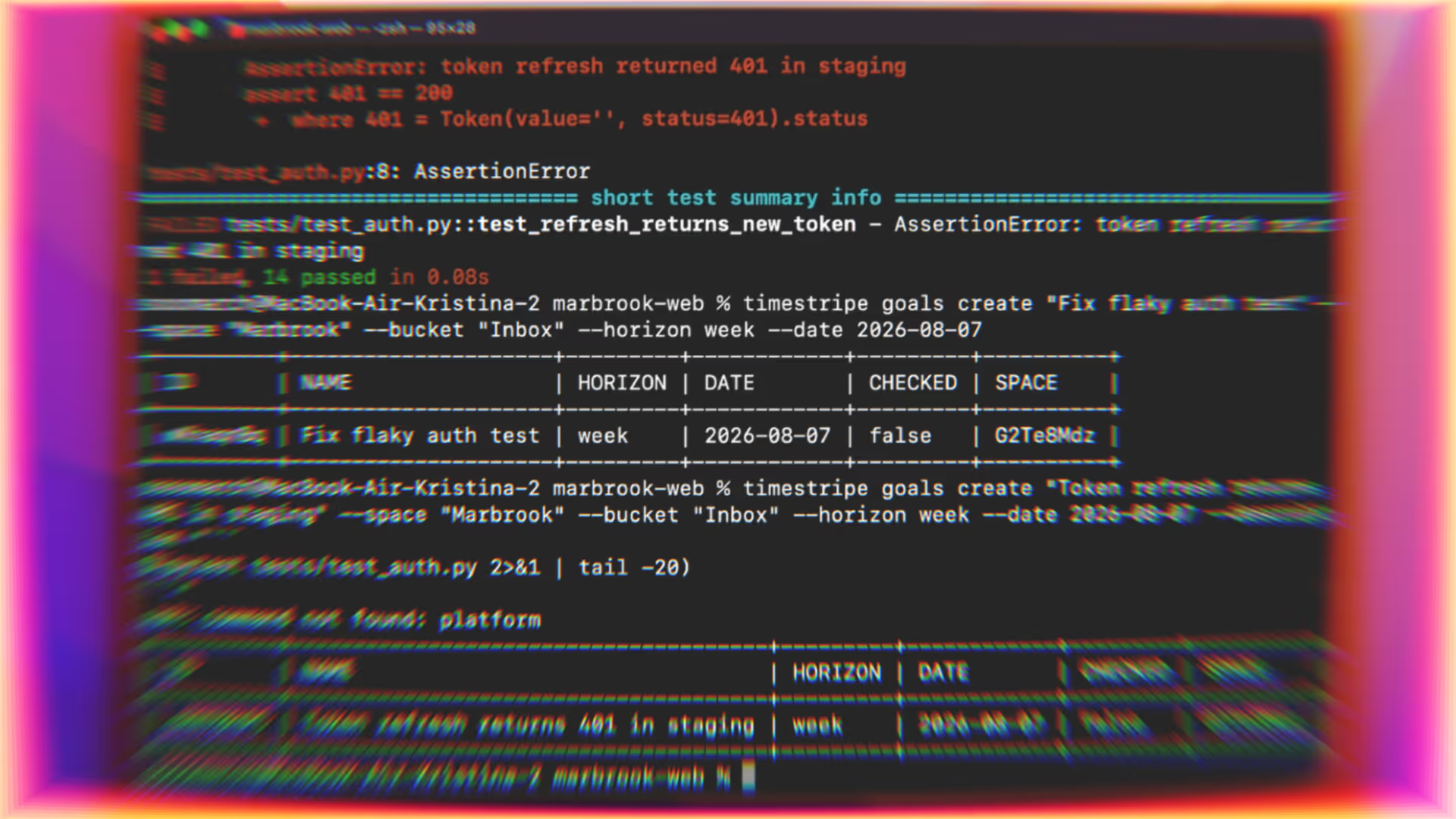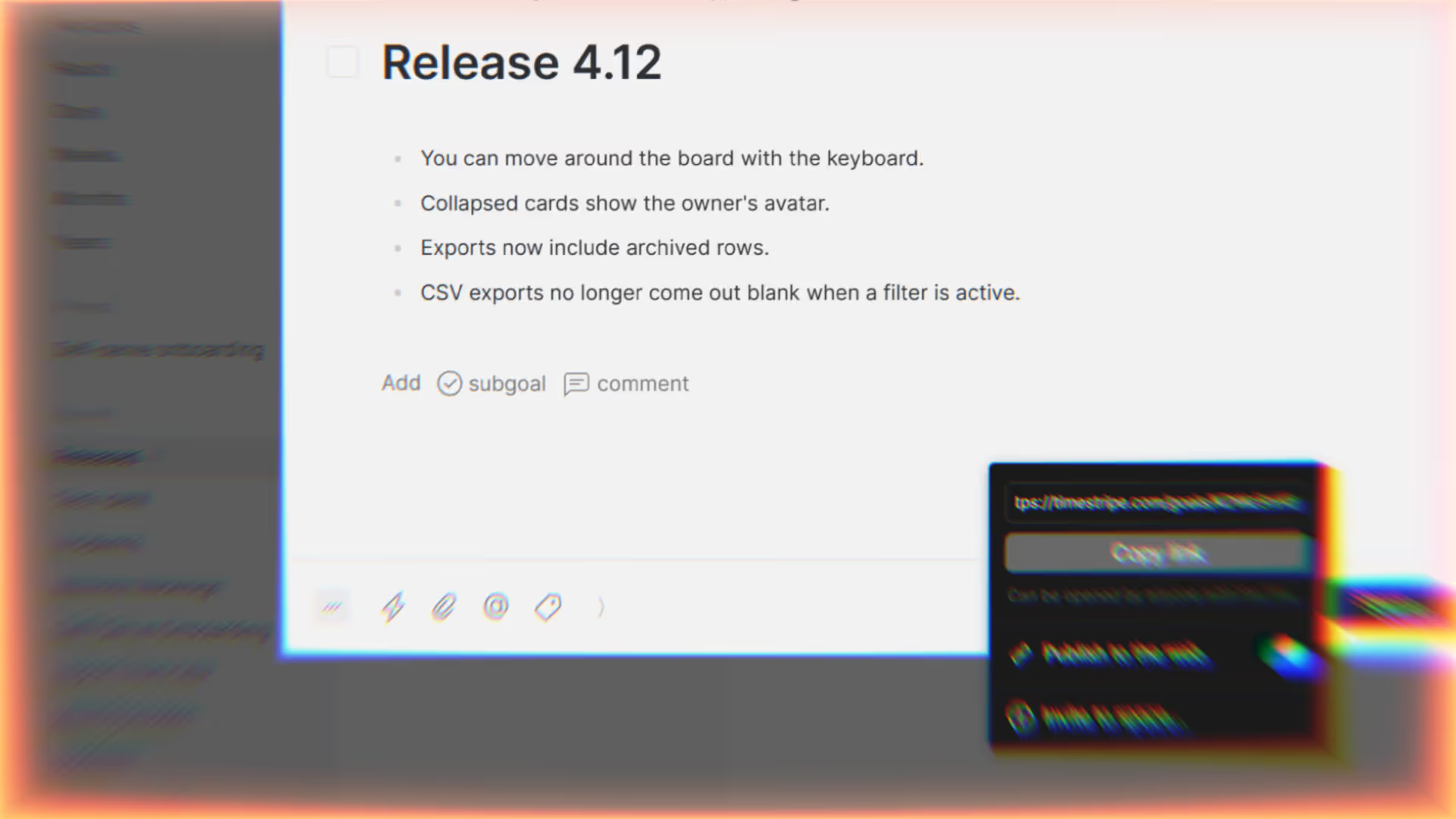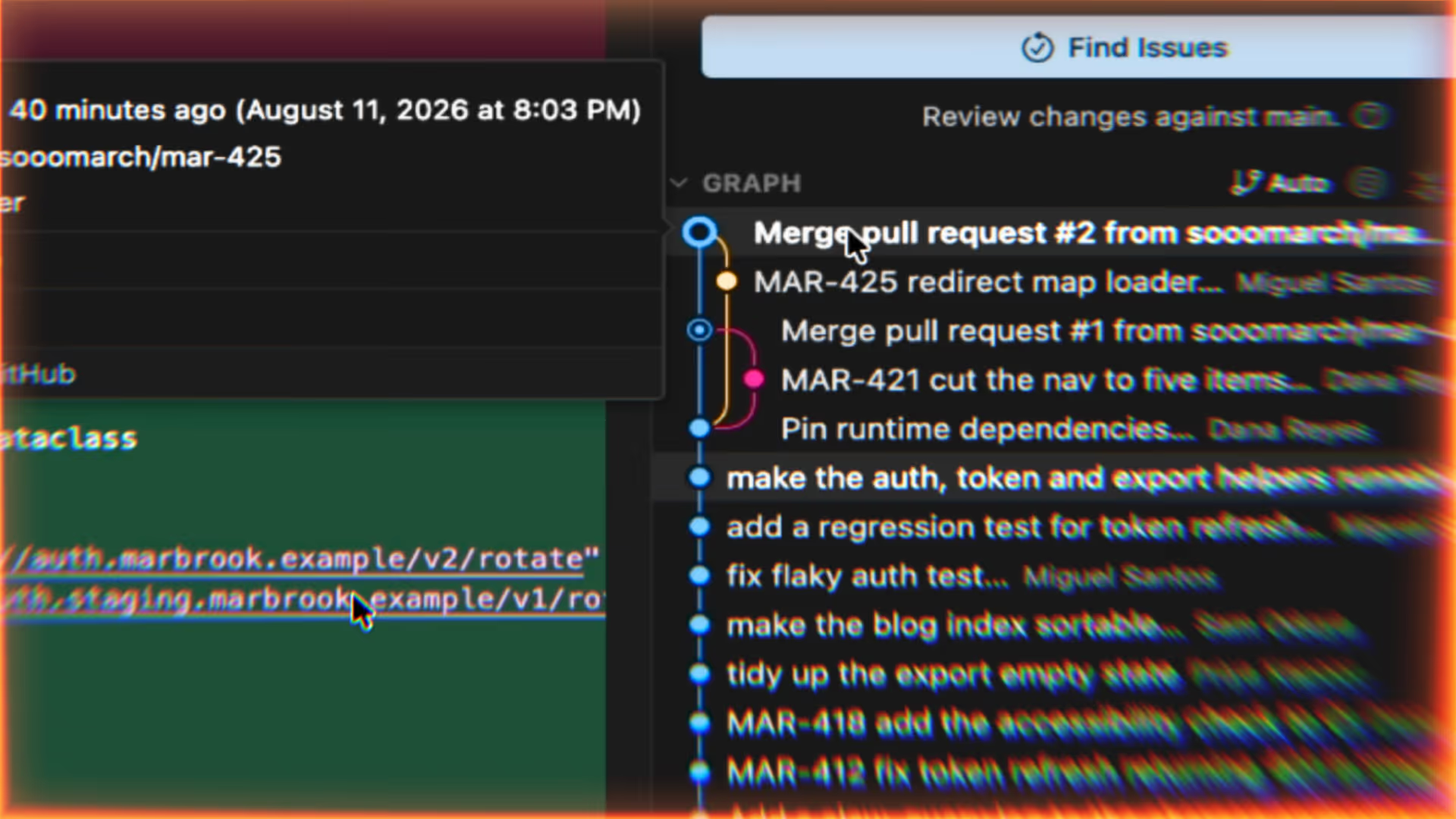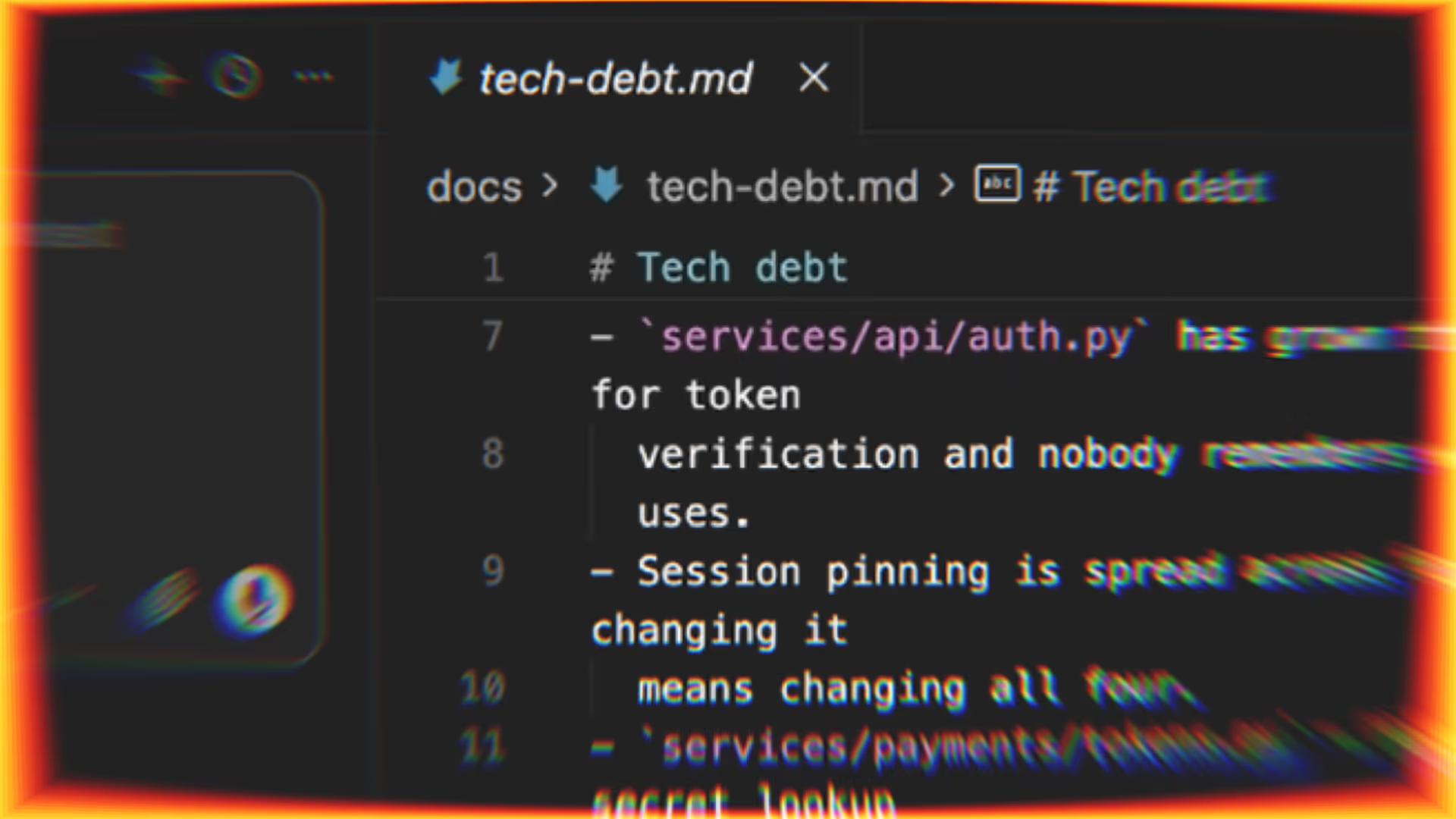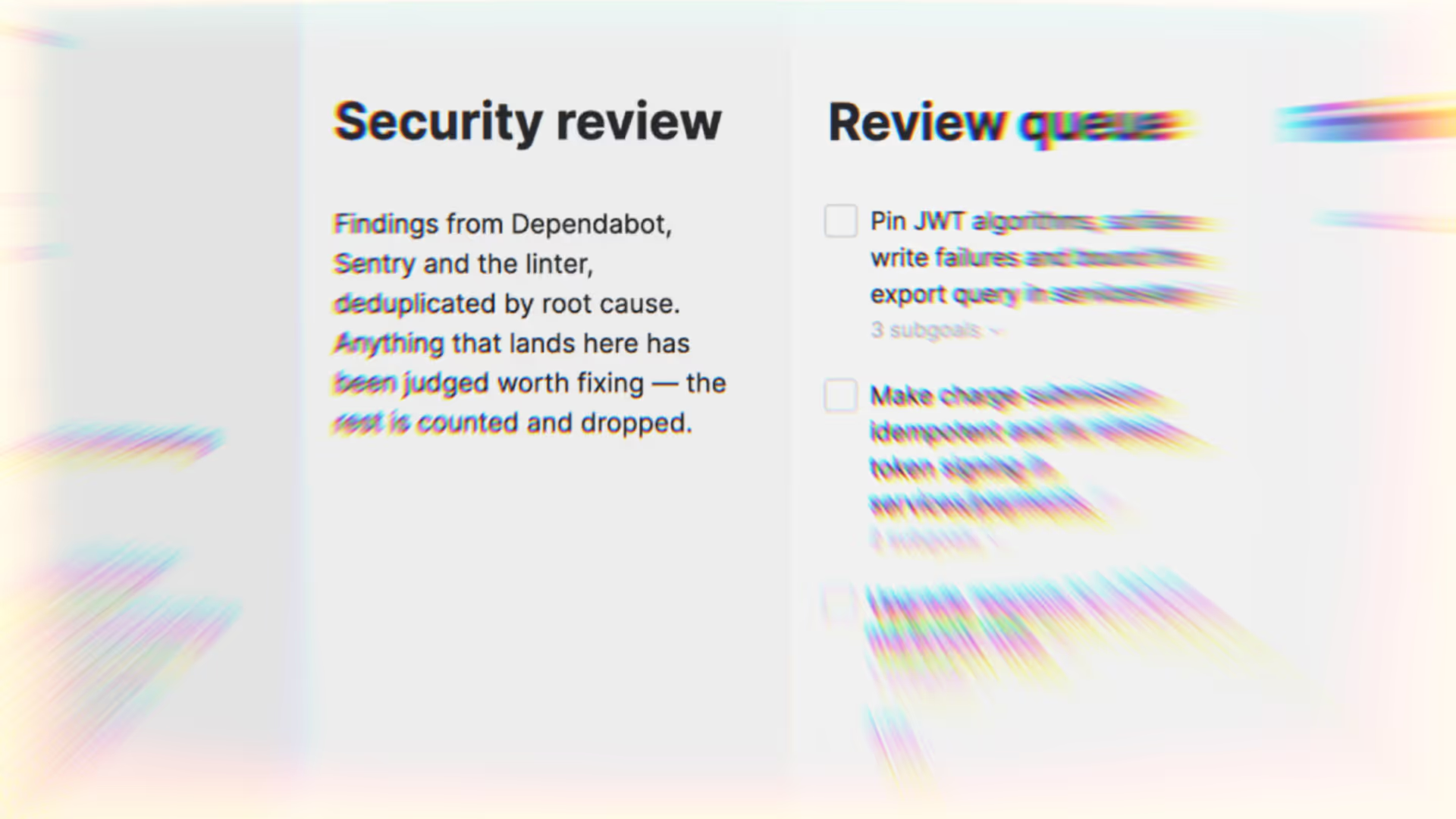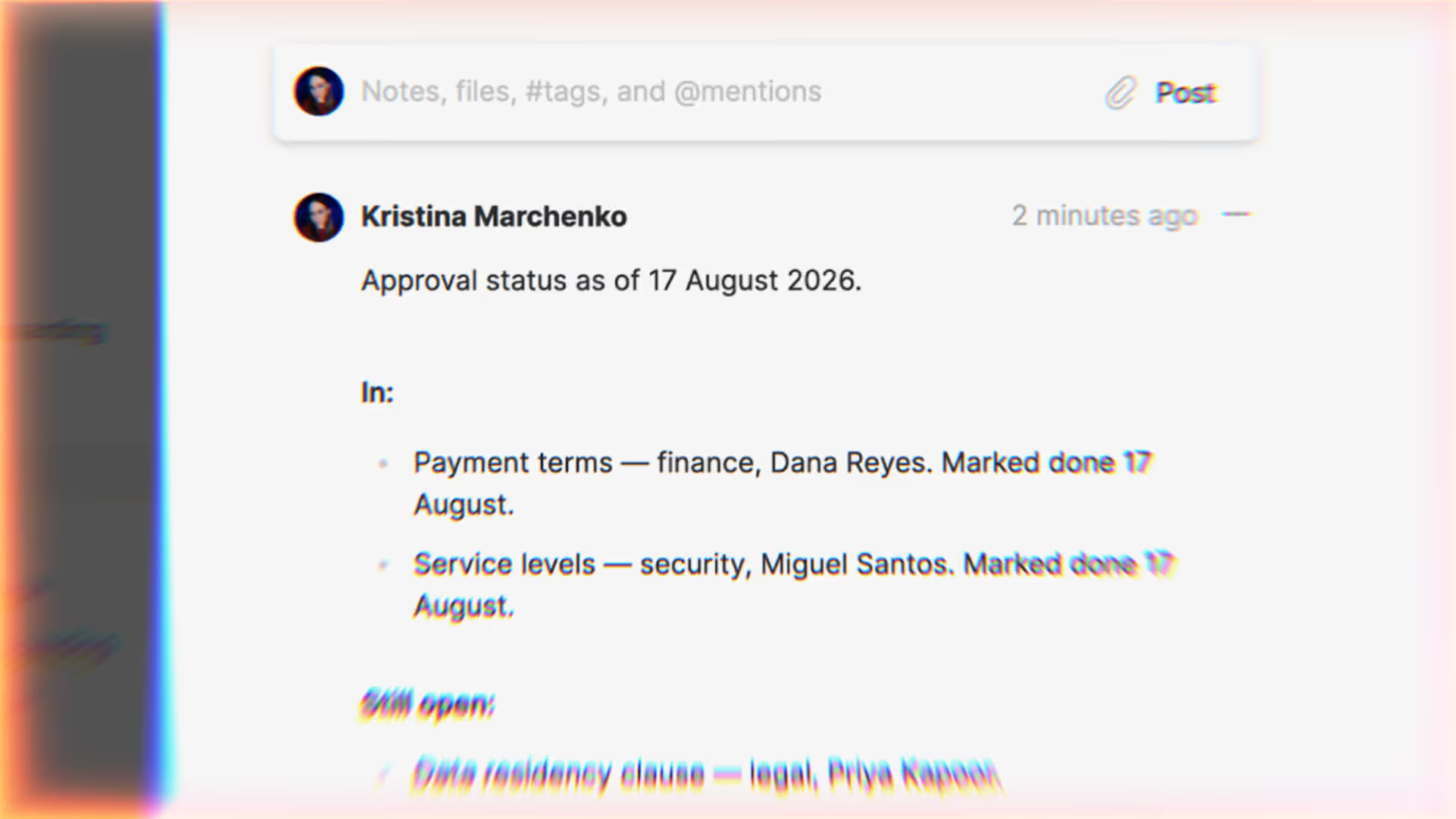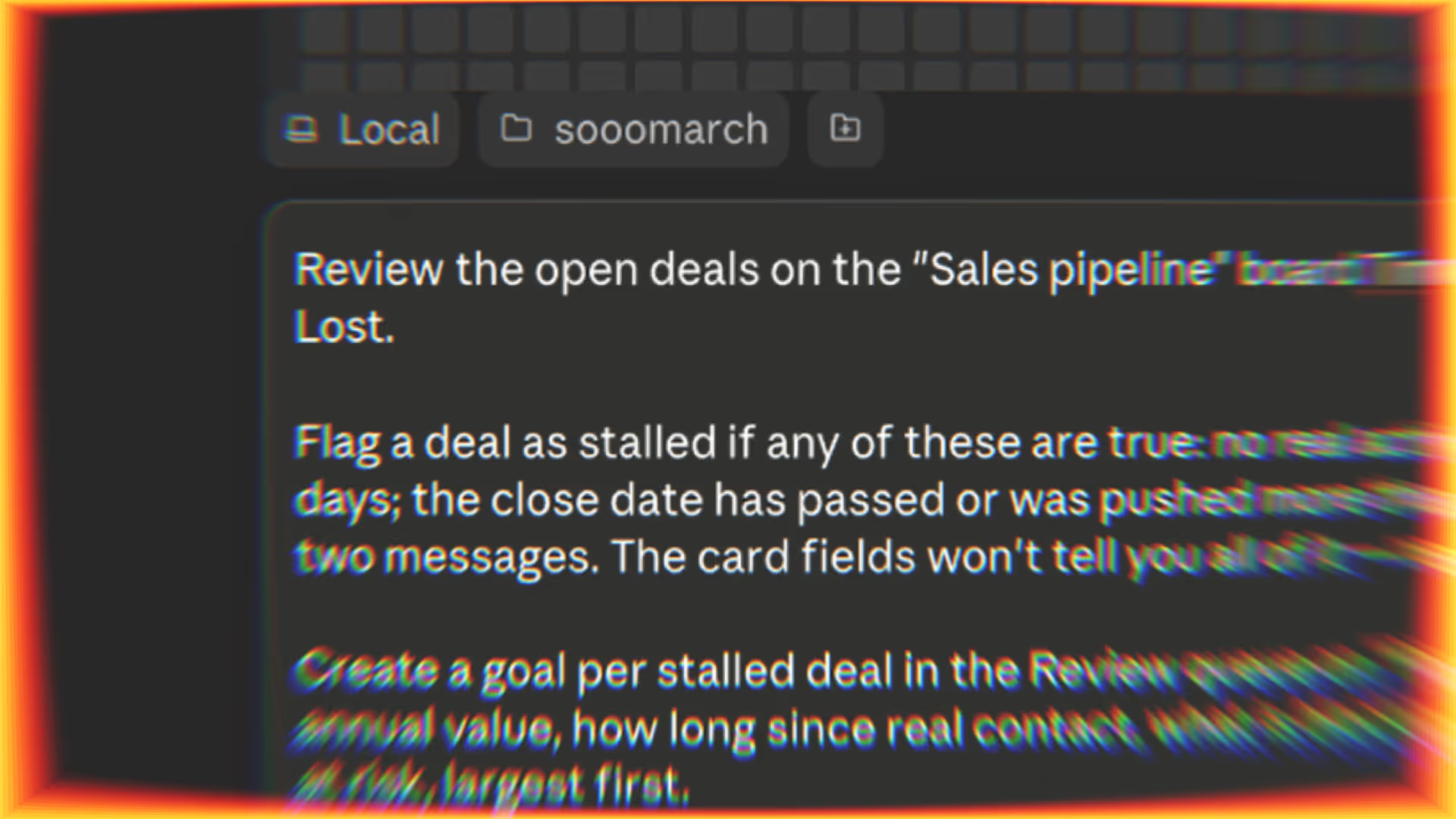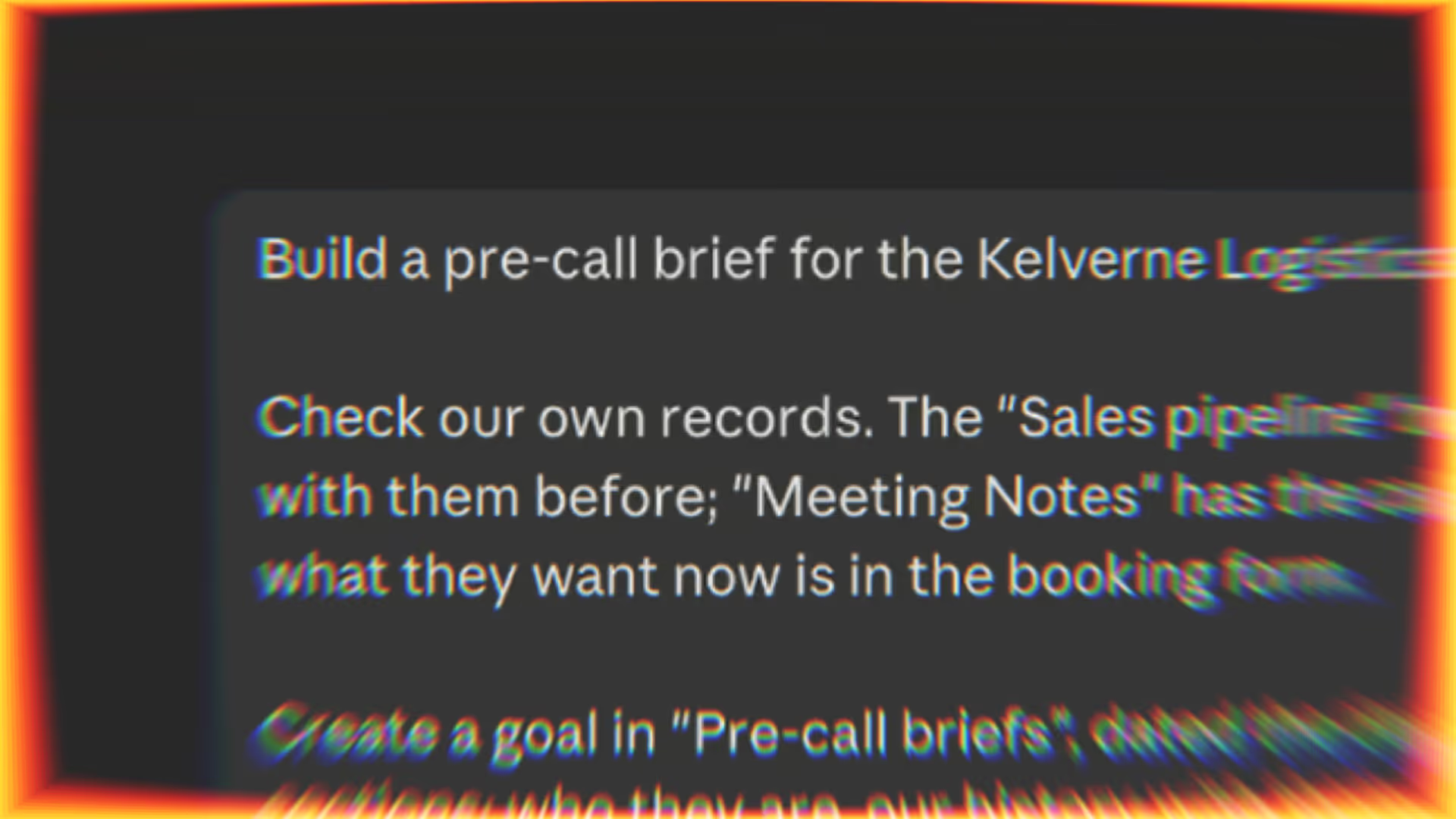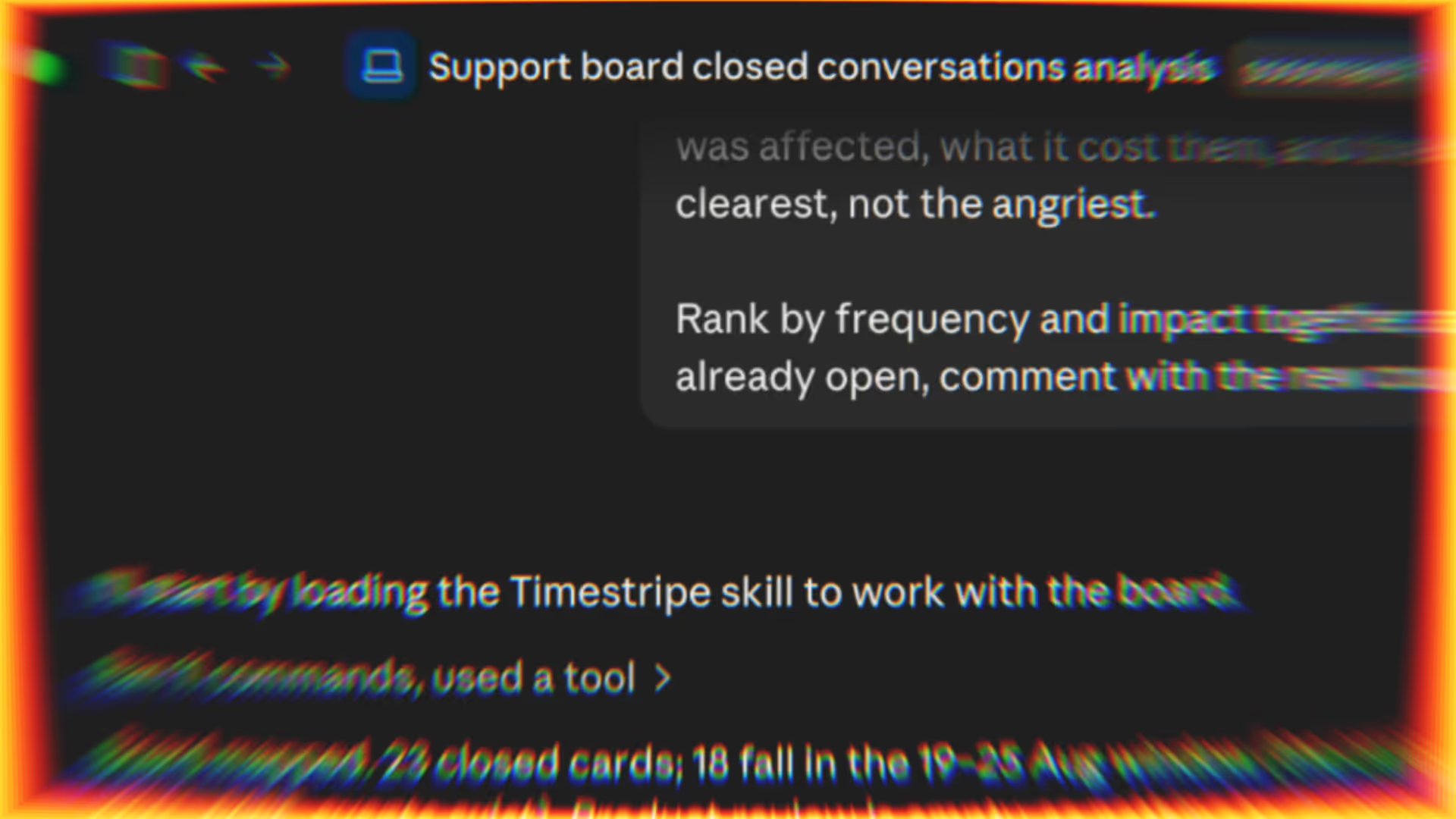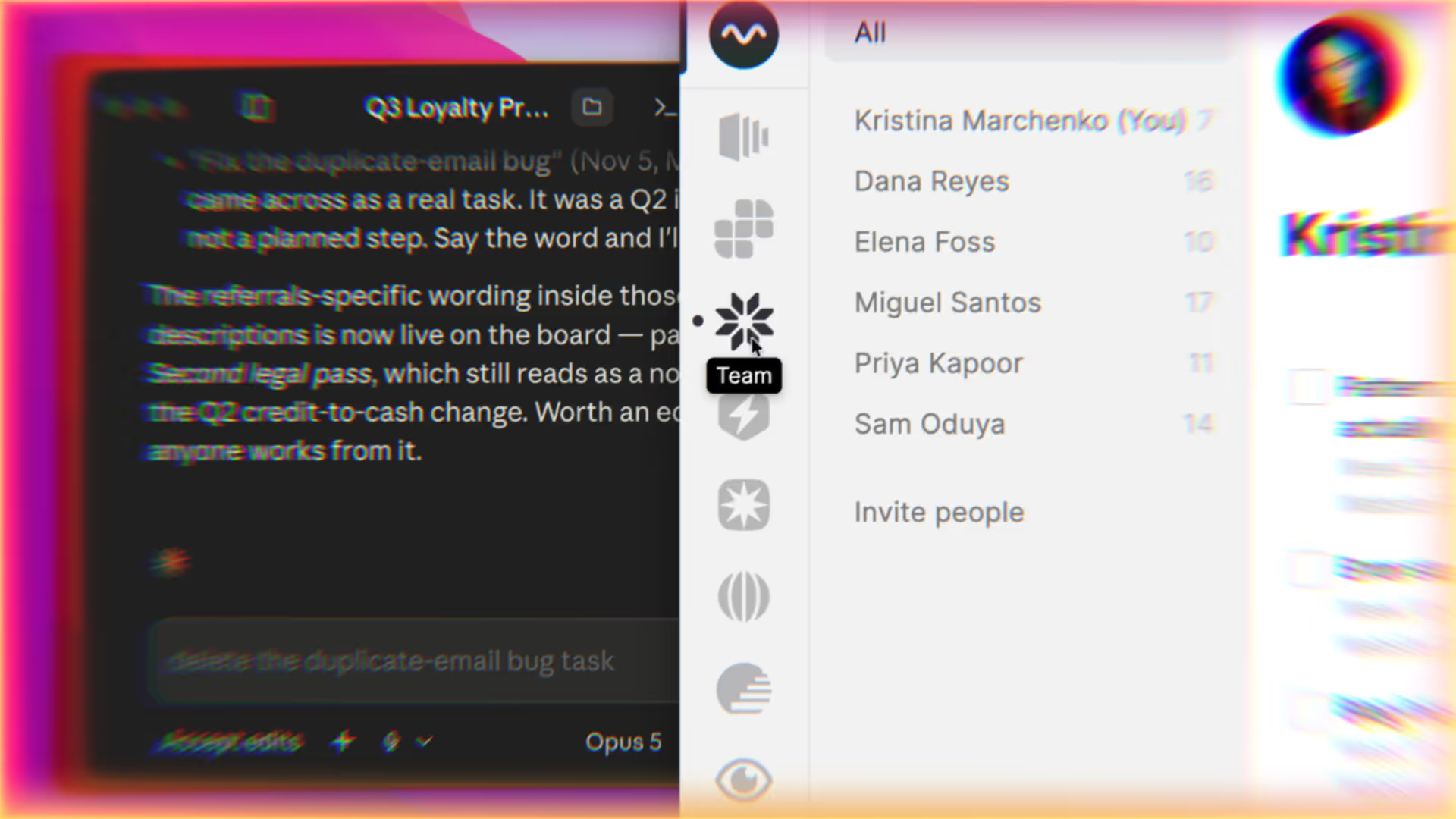
Teamwork depends on shared context—yet that context usually lives scattered across meetings, chats, and calendars. You can bring AI agents to Timestripe so that scattered context becomes structured work: captured, owned, and kept up to date. Whether you work with Claude, Codex, OpenCode, Cursor, Zapier, or n8n, connecting them via API or CLI lets you manage tasks and sync updates without doing it all by hand.
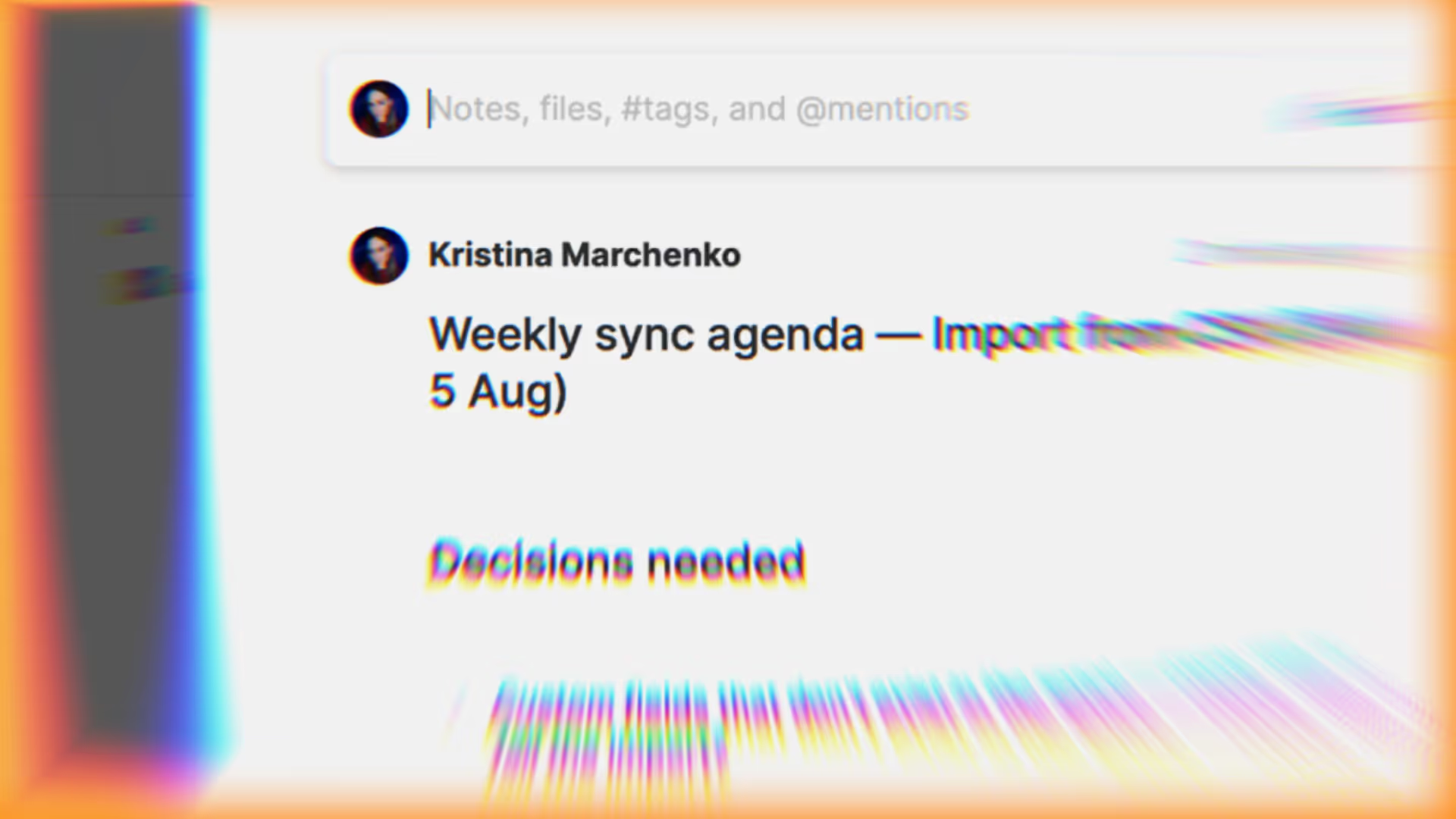
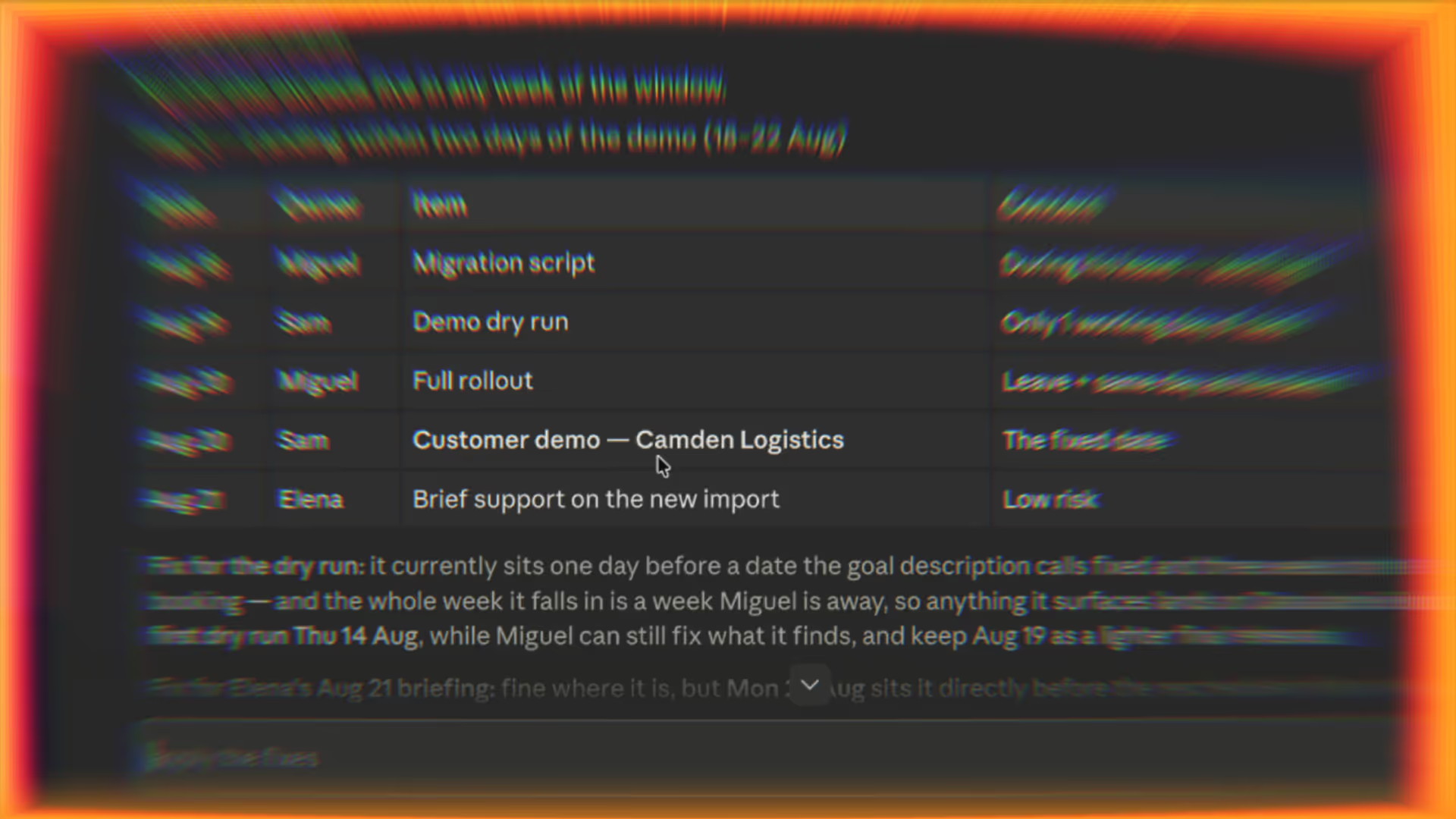
How It Works: AI Coordinates, Timestripe Aligns, You Decide The AI agent acts as your project coordinator: gathering context, drafting plans, tracking progress and risks, and automating updates.
Timestripe serves as the source of truth: keeping the team aligned on what matters, why it matters, and who owns it.
You remain the strategist: setting priorities, making decisions, and approving key changes.
Here’s how different teams can use Timestripe with AI in day-to-day work.
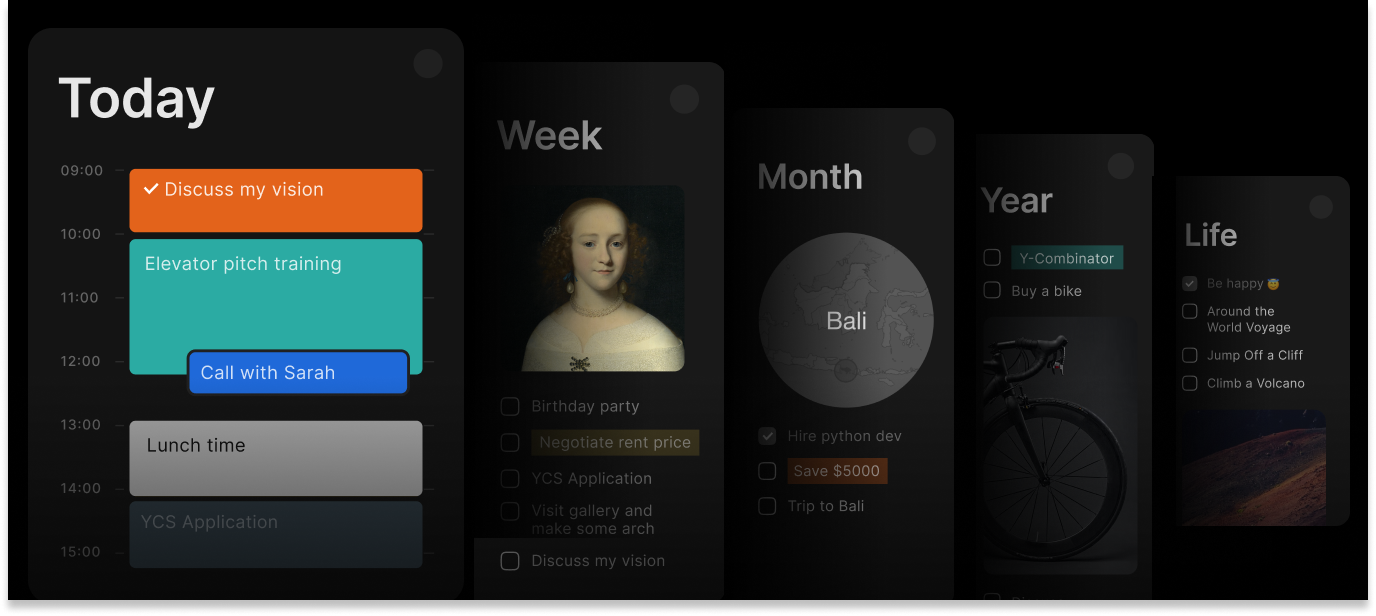
Connect AI with your team’s plan
Keep agent-created tasks and updates visible, owned, and aligned in Timestripe
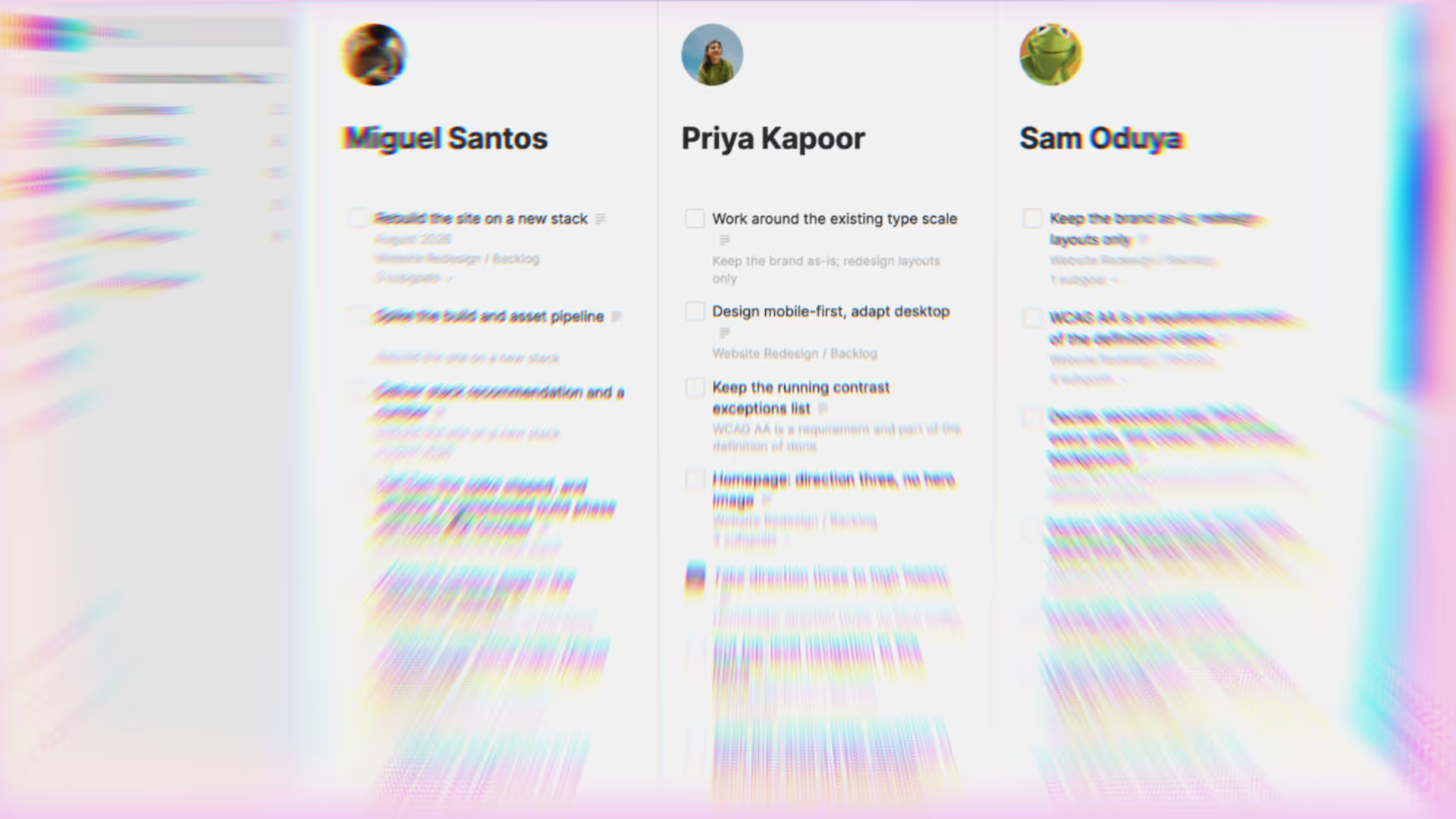
Project Management
Engineering
Sales & Account Management
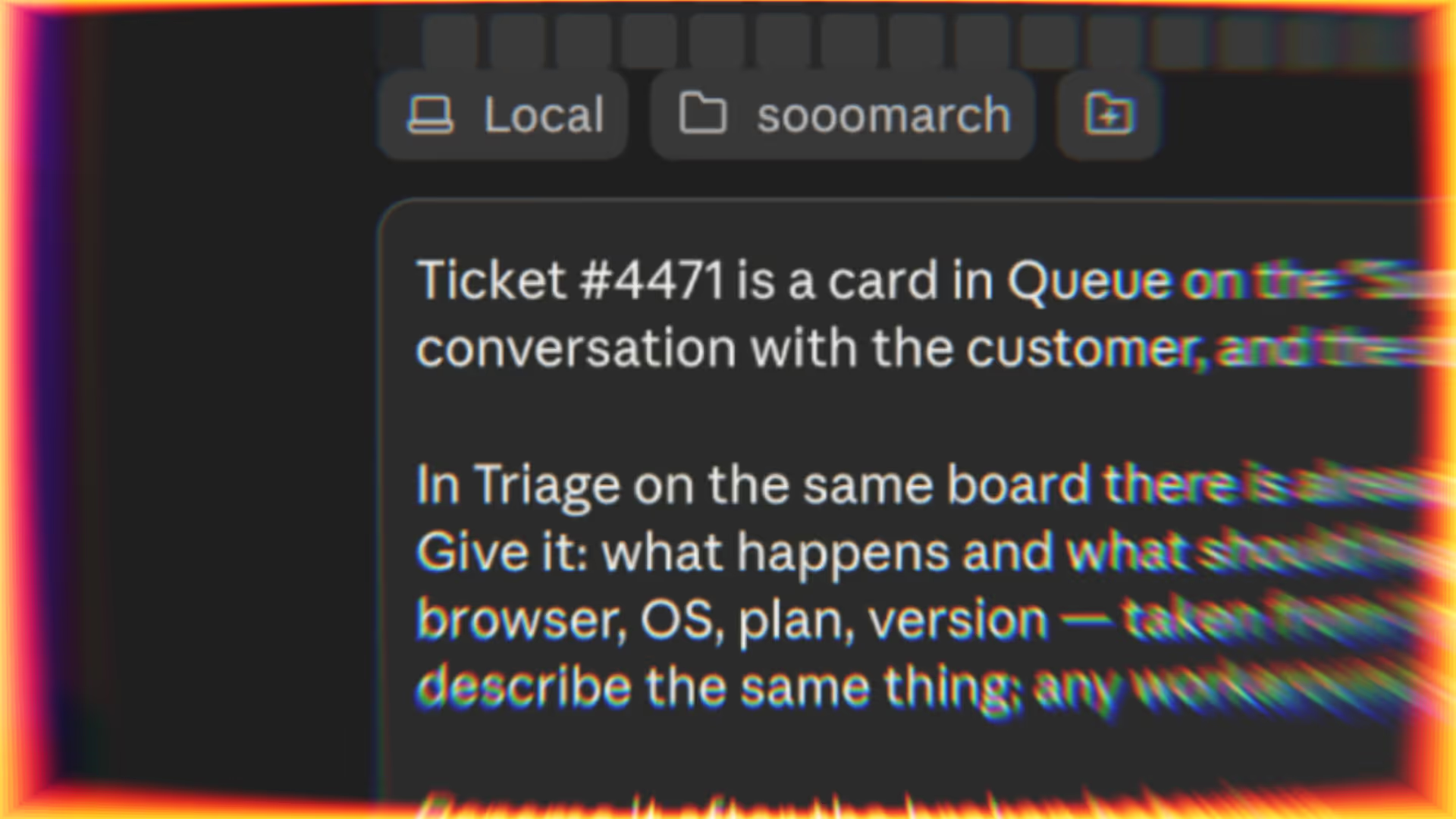
Support & Customer Success Escalate technical issues with the context that engineering needs When a ticket is classified as a technical bug, your helpdesk or automation layer—such as Zendesk, Intercom, Zapier, or n8n—triggers the agent. It summarizes the problem, includes environment details and logs, links to the original conversation, and creates a triage task in Timestripe for engineering.
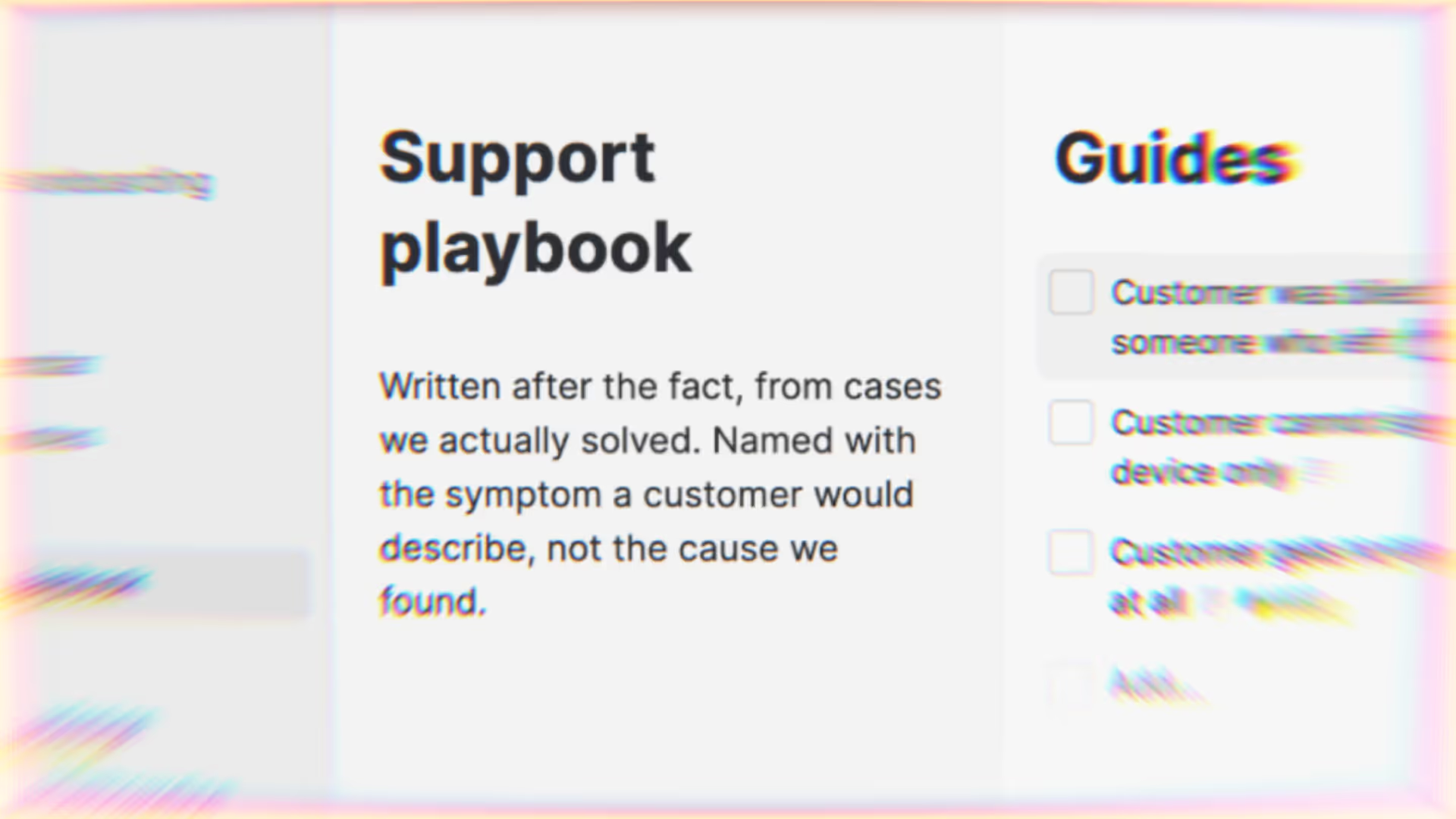
Turn resolved cases into reusable support guides When a ticket is resolved, your helpdesk or automation layer triggers the agent to turn the conversation into a step-by-step internal guide. It stores the guide in a Timestripe task description or attachment and files it in your shared support space for the team to reuse.
Convert recurring complaints into a product review list Each week, your helpdesk or automation layer triggers the agent to group common frustrations and bugs from closed support conversations. It builds a prioritized review queue inside Timestripe, highlighting complaint frequency, estimated impact, and direct links to representative cases.
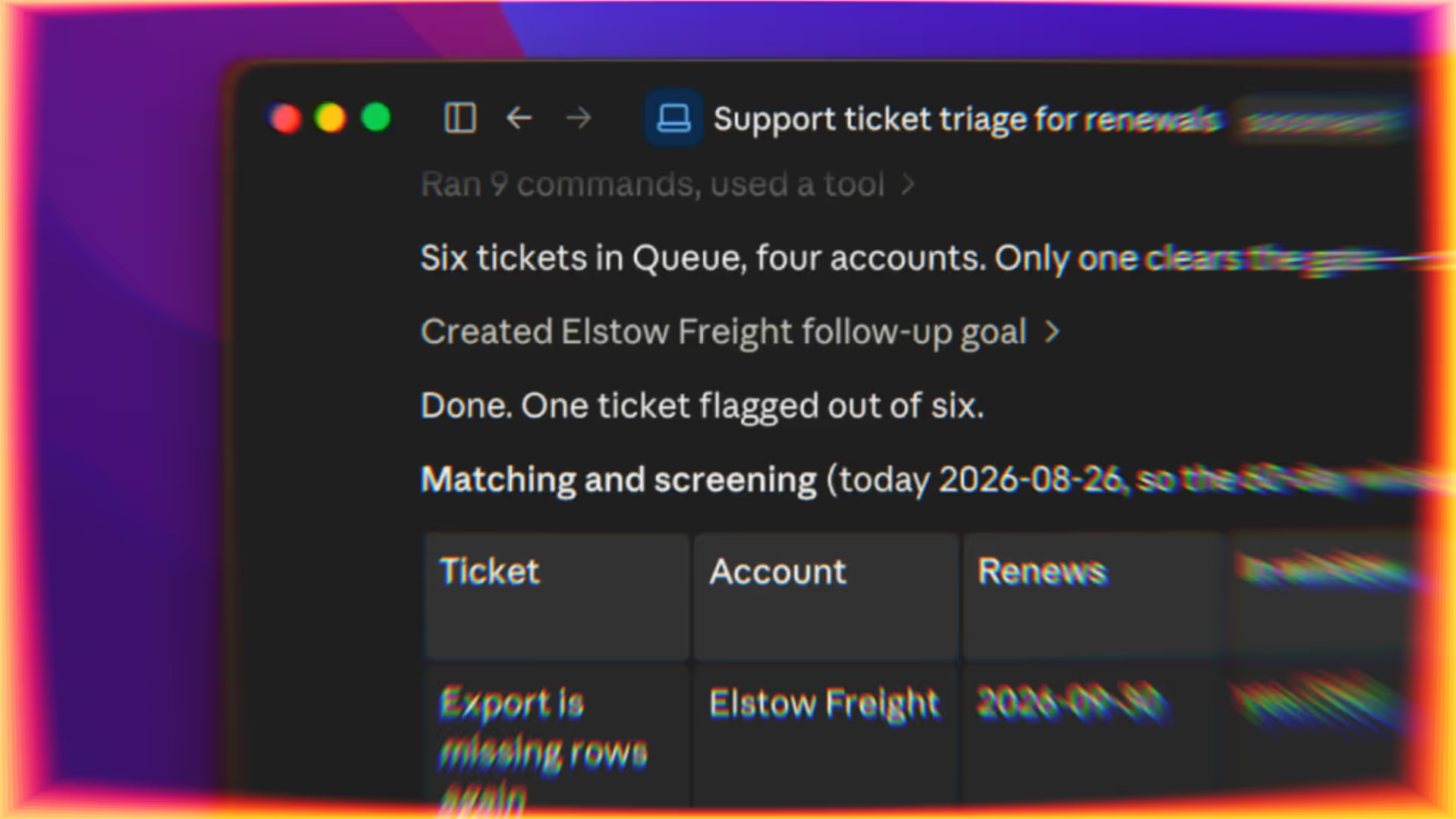
Route high-value account issues to the right owner When a new ticket arrives, your helpdesk or automation layer triggers the agent to cross-reference it with CRM account data. If the issue affects a strategic customer, it creates an urgent follow-up task in Timestripe for the responsible success manager—with ticket and account context included.
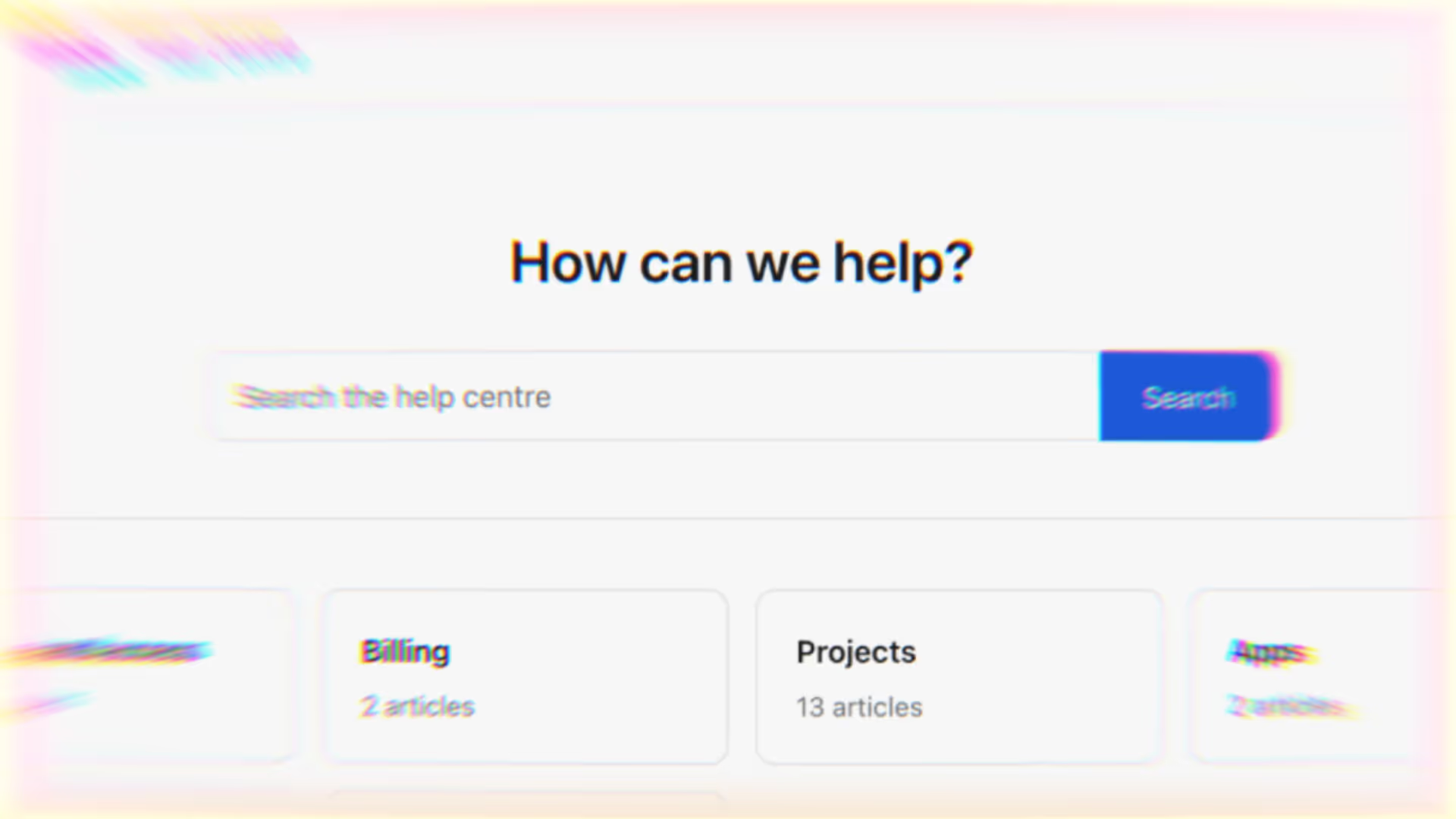
Identify documentation gaps from repeated questions Set your agent to regularly cross-reference support queries with your existing help-center content. When the same questions surge without a clear public answer, it creates a documentation task in Timestripe—naming the missing topic and attaching raw examples of customer confusion.
Marketing & Content Turn one source asset into a multi-channel distribution plan Give your agent a blog post, video script, or whitepaper. It drafts channel-specific copy, creates channel tasks for social posts, email, and newsletter—then schedules them in Timestripe and links each one back to the original asset.

Group customer feedback into usable campaign themes Set your agent to regularly analyze reviews, public comments, and feedback forms. It groups recurring pain points and your customers' exact language into themes, then creates research tasks and campaign ideas in Timestripe—with links to supporting examples.
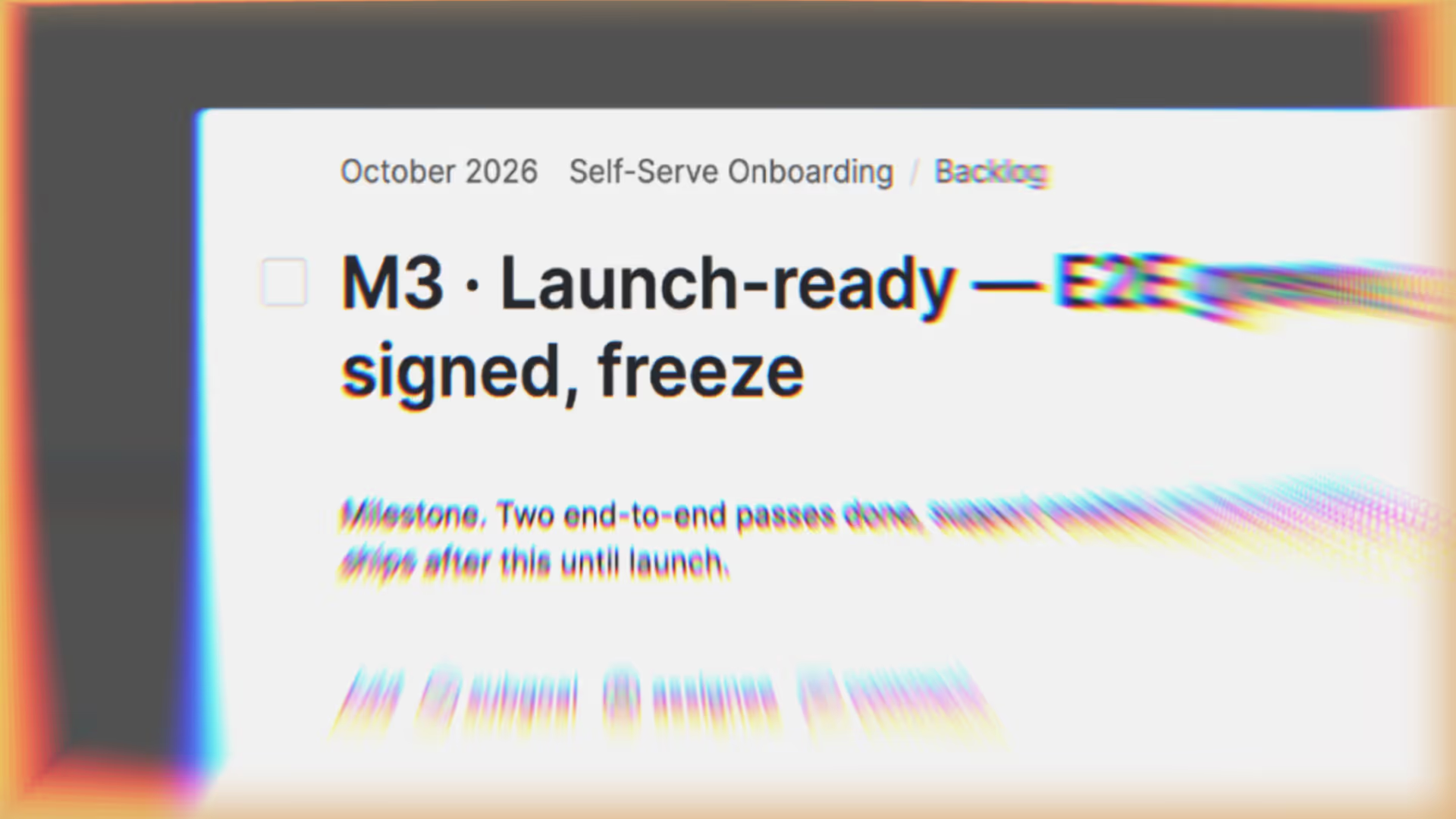
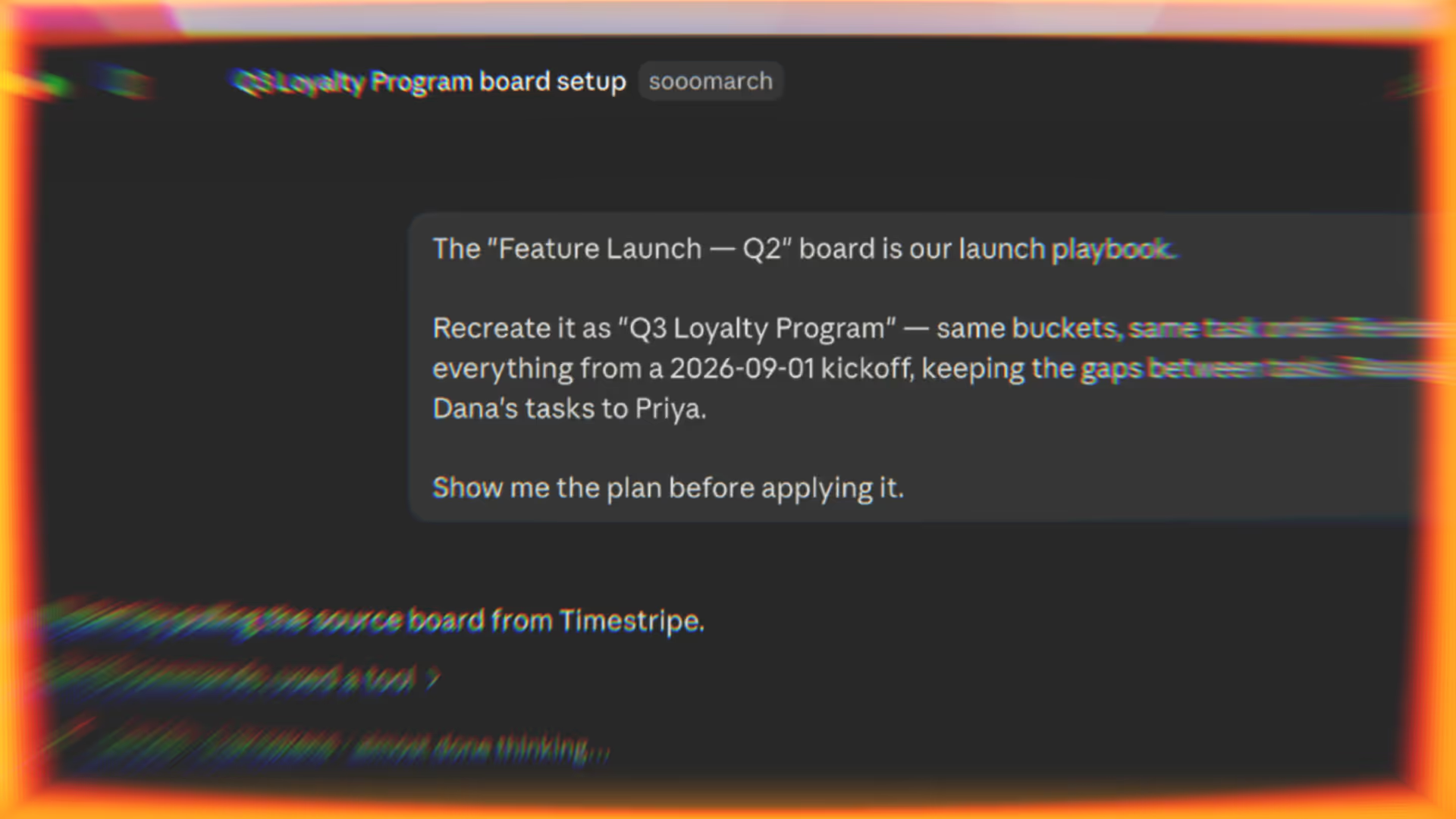
Launch repeatable campaigns from a short brief Give your agent the campaign type, audience, and launch date. It recreates your campaign playbook in Timestripe—tasks for landing pages, creative assets, promotion, and follow-up—and schedules deadlines backward from launch.
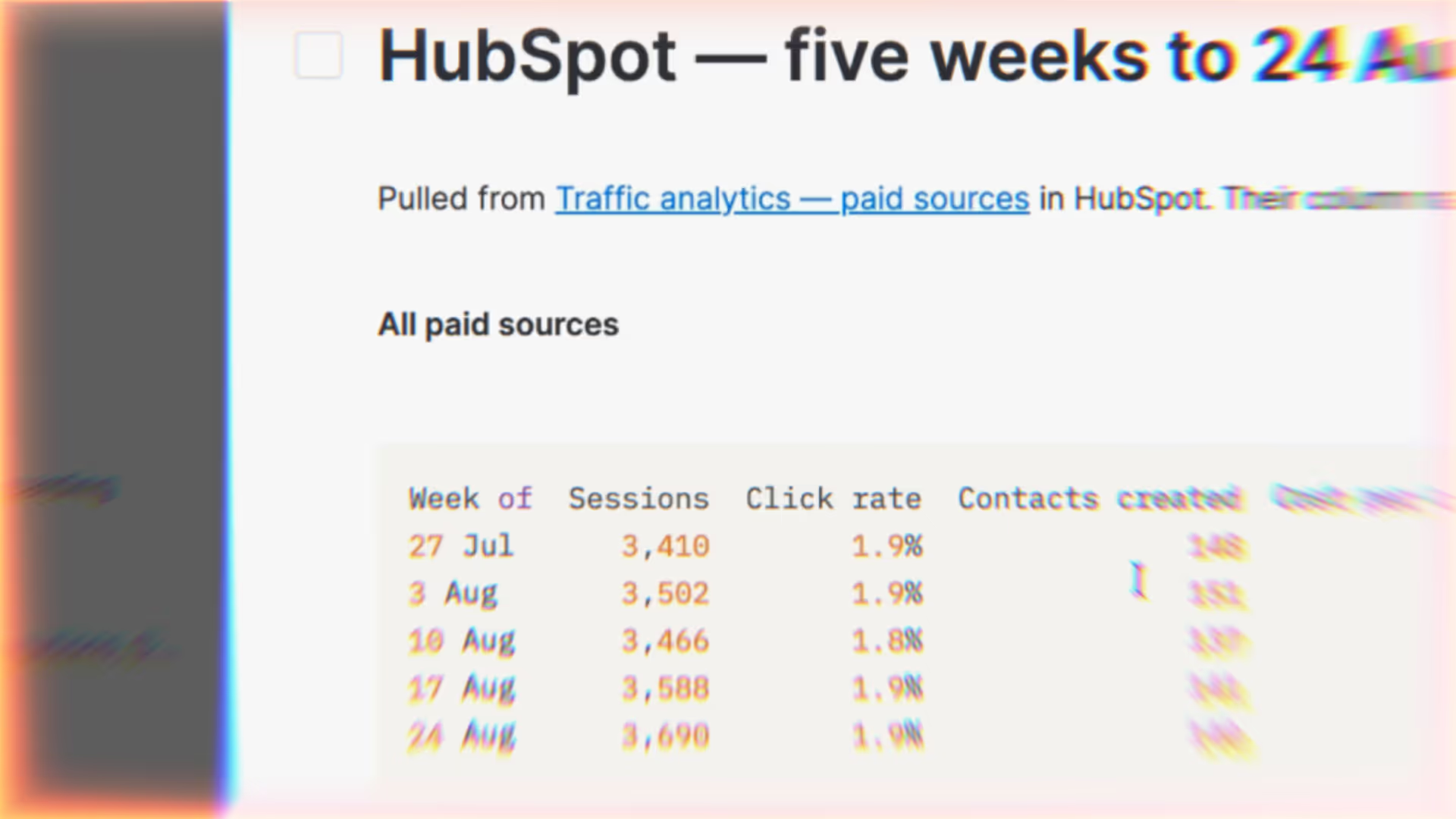
Summarize advertising performance for weekly decisions Each week, Zapier, n8n, or a similar automation pulls data from platforms like Google Ads, Meta, or HubSpot. The agent highlights critical trends and performance shifts, includes links to the active campaigns, and adds the summary to a Timestripe task or comment for team review.

Move approved copy into the design queue with full context On a schedule, Zapier, n8n, or a similar automation checks Timestripe for copy tasks in the agreed “ready for design” stage and triggers your agent. The agent extracts the required messaging and formats, creates linked design tasks, and keeps writers and designers aligned without manual handoffs.

July 23