You're in the middle of coding and notice another issue you don't want to lose. A failing test, a TODO you don't want to leave in the code, a blocker someone else should know about.
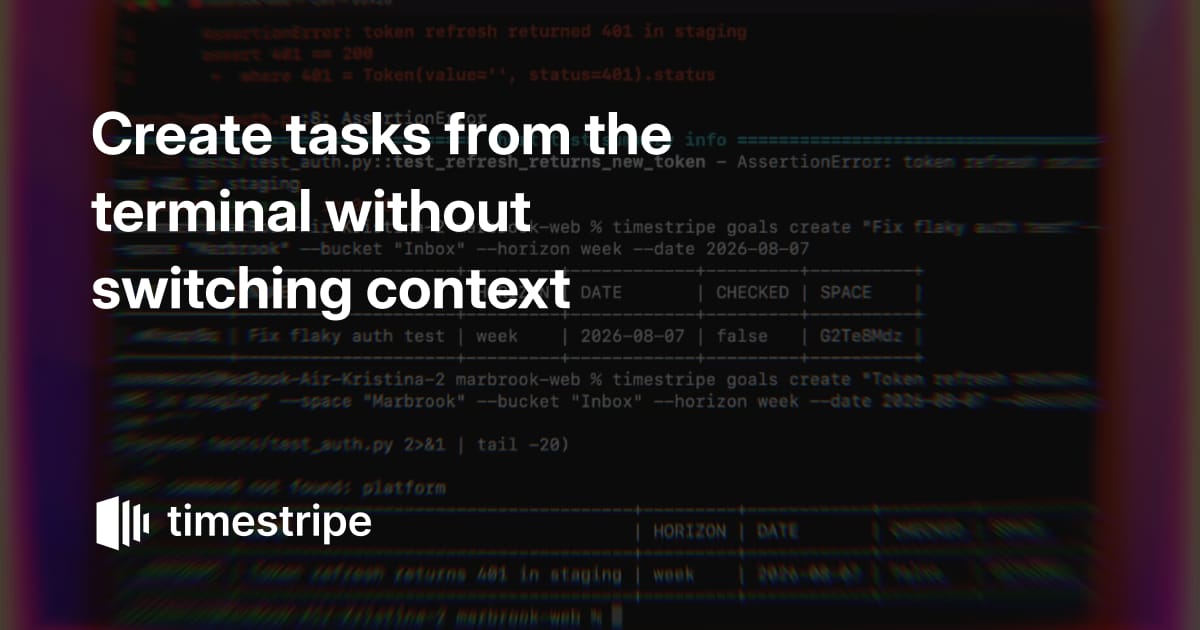
Stay focused in your development environment. Use the Timestripe CLI to create tasks, attach technical context, set due dates, and log code blockers directly from the command line as you work.
What you start with
A repository and a terminal. No agent is involved in this one.
- A test suite with one red test.
pytest -qreports the staging 401 that nobody has picked up yet. - A board called Engineering, with an Inbox bucket for things caught mid-flight and sorted later.
- The CLI, signed in.
timestripe auth statusconfirms it before anything else.

The commands
You name the space, the list it should land in, and the due date:
It returns the new goal's ID, and the task is in Timestripe.
The second command pipes the failing output into the description, so the trace is stored on the task itself:
What lands in Timestripe
Two tasks in the Engineering Inbox, dated this week, with the whole trace in the description of the second.
Nothing was interpreted or rephrased on the way. The CLI wrote what you gave it.
Other commands
What's open on your week:
Close it once it's fixed:
Add what you learned later, without opening the task:
Every command has --help, and --json on any of them gives output you can pipe into something else. The full command surface is in the Timestripe CLI repository.