Breaking Free from Jira: Why Modern Teams Switch to Timestripe
Both Timestripe and Jira are built to help teams and individuals manage work, but they come from different angles. Timestripe is centered around clarity, long-term vision, and intuitive planning. Jira, on the other hand, is tailored for technical teams working with agile frameworks. Let’s explore how these tools compare.
Task Management & Organization
Timestripe
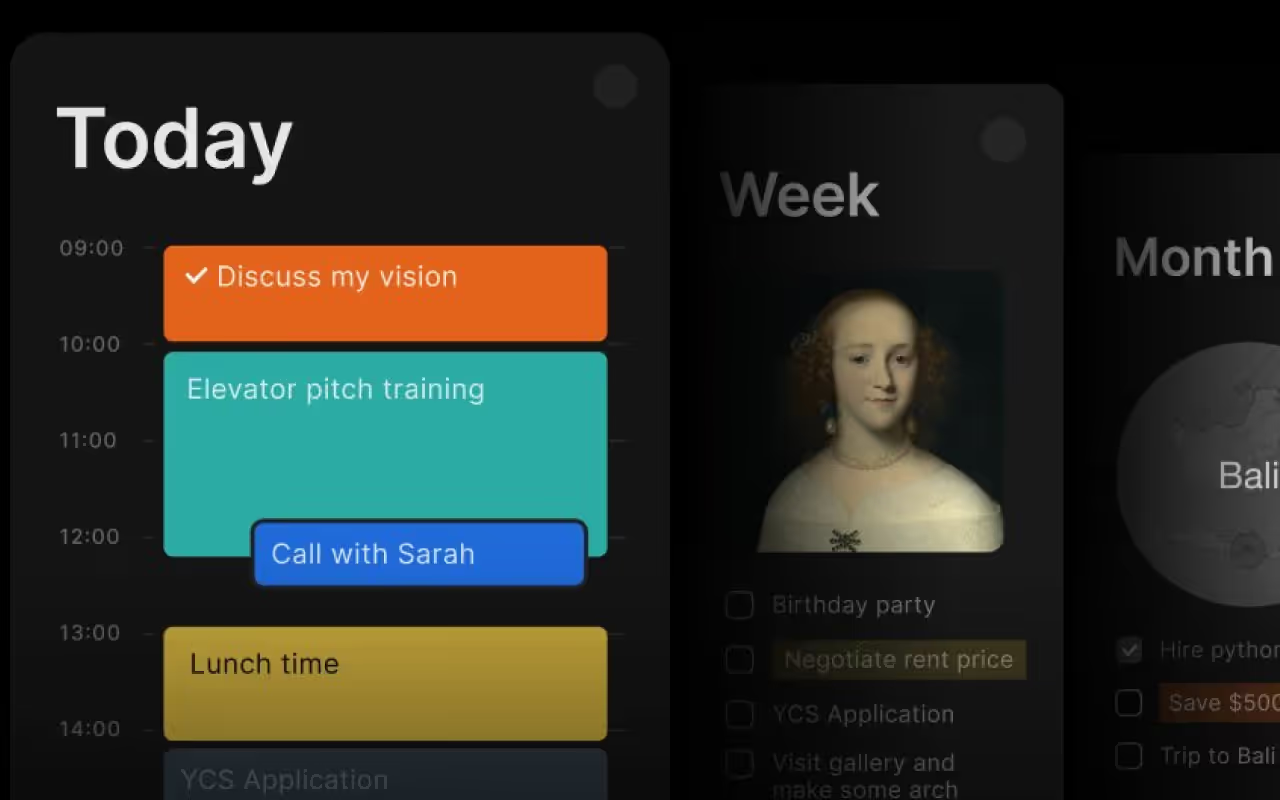
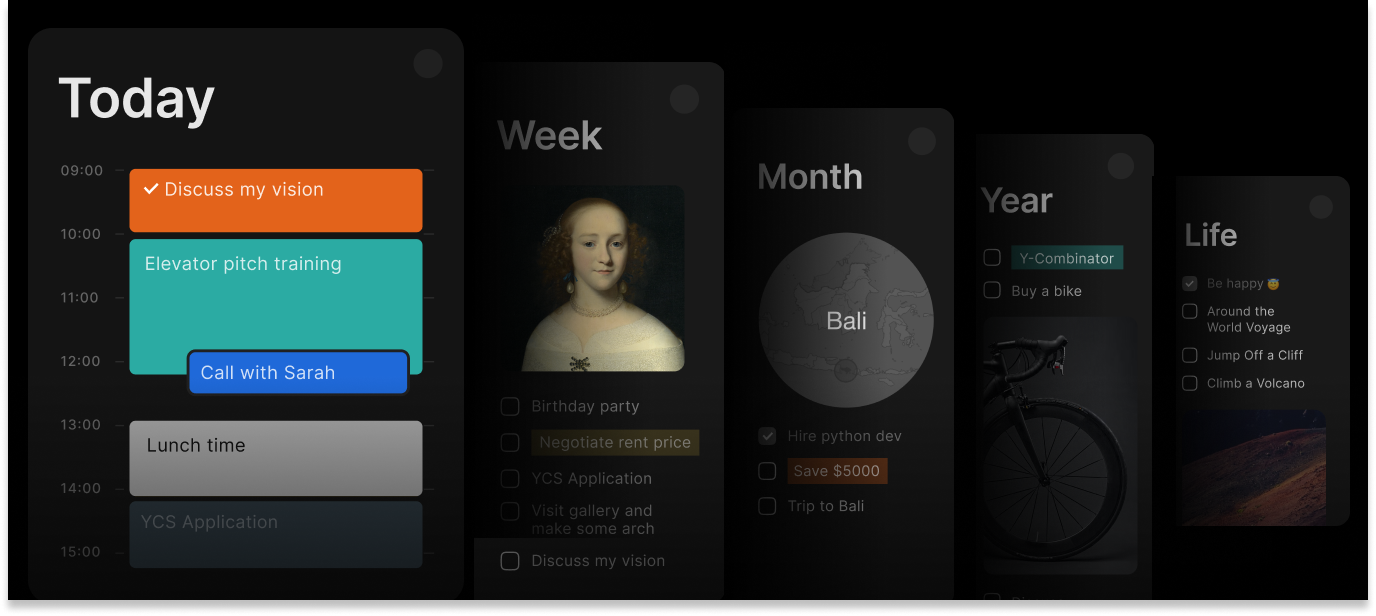
Horizons System. Organize tasks across daily, weekly, monthly, and yearly views
Goal-Oriented Planning. Tasks are linked to short-term and long-term goals, keeping the big picture in mind
Flexible Task Scheduling. Assign tasks to any timeframe — day, week, month, or quarter—to plan ahead effectively
Progress Tracking. Monitor how tasks contribute to overall progress in the Progress Center
Time Blocking. Schedule specific blocks of time to visually plan your day with dedicated focus periods
Jira
Jira focuses on technical and team-based workflows, with support for epics, stories, bugs, and sprints.
Organize tasks into lists, tags, and priority levels.
Calendar and daily planner to map out thed ay.
Collaboration Features
Timestripe
Shared Workspaces. Teams can collaborate in Spaces, assign tasks, and track updates
Task Comments & Mentions. Keep communication within tasks for better context
Progress Center. See real-time updates on tasks and projects
Team view. Organizes work items by team member, allowing everyone to see who’s responsible for what tasks across different projects and timeframes
Jira
Agile boards. Make it easy to track work in real-time
Internal process organization. You can mention teammates, link related issues, and create custom workflows
Technical integrations. Work closely with dev tools like Bitbucket and GitHub, making it a go-to for tech teams
User Experience & Design
Timestripe
The interface focuses on clarity, showing only what you need at the moment. It’s easy to get started and doesn’t overwhelm you with complex options — perfect for deep work and strategic planning.
Jira
Offers a dense, feature-rich interface. It is packed with tools, menus, and customization options, which is powerful but may feel cluttered or intimidating for newcomers or non-tech teams.
Unique Features
Timestripe
✔️ Horizons for Strategic Planning — View tasks across different timeframes (day, week, month, year).
✔️ Goal-Driven Organization — Connect tasks to long-term ambitions.
✔️ Helicopter Calendar View — See upcoming plans and goals in a structured timeline.
✔️ Progress Center — Track updates and changes across tasks in real time.
Jira
✔️ Agile boards for Scrum and Kanban workflows.
✔️ Custom issue types & workflows to fit different teams and processes.
✔️ Powerful reporting tools like burndown charts and velocity metrics.
Pricing
Timestripe
- Free Plan: Includes basic task management, goal setting, and limited lists.
- Pro Plan: $9/month, which unlocks premium features like unlimited lists, up to 100 MB per file and rich customization.
- 5-Year Plan: This plan is $6.5/month, user saves 67% in the end.
P.S. You can get 50% off with our Get a Discount program
Jira
- Free version (up to 10 members and 2gb storage)
- Monthly Pro Plan 7.53$
- Yearly plan 13.53$ / per user per month
Final Thoughts
Choose Timestripe if you are looking for a planning tool that helps you think strategically and align your day-to-day with long-term goals. It is easy to use, thoughtfully designed, and ideal for both individuals and teams who value clarity and vision.
Go with Jira if your team is deep into software development or needs a highly customizable solution for agile project management. It’s powerful but best suited for technical workflows with a steeper learning curve.
Read next