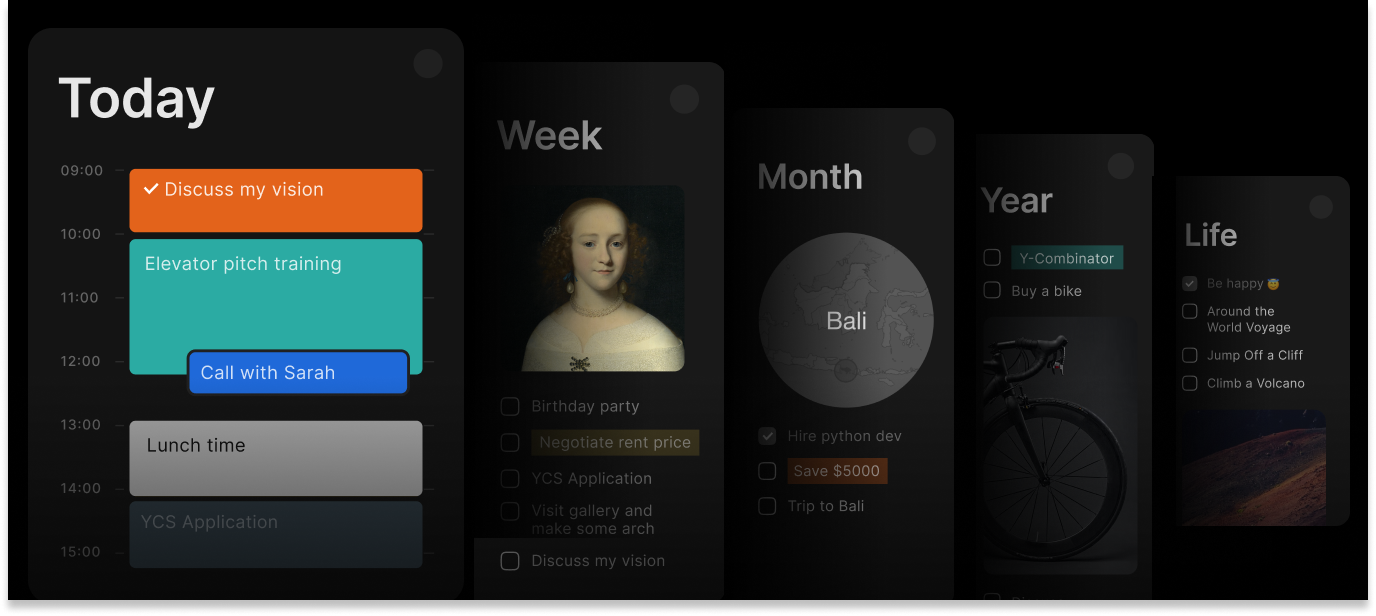
Create tasks in Timestripe – just by sending an email ✨
Hey! They say Timestripe is one of the most beautifully designed productivity apps out there. Unlike other apps, it allows you to build your own detailed path to success by linking daily tasks with larger goals. By simply sending tasks via email, you can bring all your important to-dos from your mailbox into one place to sort, prioritize, assign, and schedule them — bringing even more clarity to your projects.
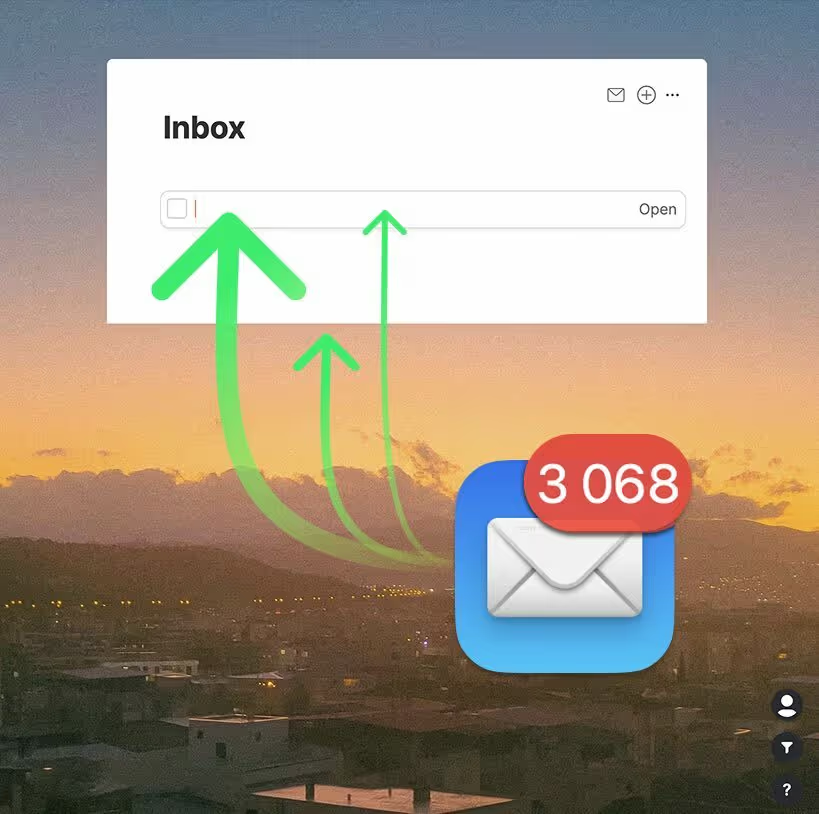
I can’t wait to tell you about the new feature. You can now simply send an email to a special Timestripe address, and it will instantly appear in your Timestripe inbox as a new task. Attachments included. No extra steps. No friction.
Open TimestripeHow to try it
- Open Timestripe → Space Settings to find the email address of your inbox.
- Send an email to it (attachments are welcome).
- Watch it appear instantly in your Timestripe Inbox ✨
This feature is available now, and we’d love for you to check it out, experiment with it, and tell us how it fits into your workflow.
If you discover a clever use case or have feedback, just reply – I read every message.
P.S. This is just the beginning. Email-based workflows open up a lot of exciting possibilities, and we can’t wait to see what you build with it.
Wishing you a productive month!
Warmly,
Sergey
Read next